
Go SDK overview
The Go SDK adds IM to Go programs. Sign-in and token refresh, the REST API, the WebSocket connection and reconnects, event subscriptions, post-sign-in sync and an in-memory cache all live in one package that depends only on the Go standard library. It has no user interface and is meant for embedding IM into your own programs:
- Chat bots: subscribe to new-message events and reply automatically, or forward messages to other systems.
- Server-side integrations: send and receive messages as a particular user, such as a support or notification account, or on a user's behalf inside a business workflow.
- Desktop and unattended clients: long-running programs on servers, gateways or industrial PCs that send and receive in real time over the connection.
- Ops and notification tools: scripted notifications, group management and routine checks.
cli, err := im.New(im.Config{
	AppKey: "1575529652#demo",        // 组织#应用
	APIURL: "https://im.example.com", // IM 服务端 REST 地址
})
if err != nil {
	return err
}
if _, err := cli.Login(ctx, im.LoginTicket, "alice", ticket); err != nil {
	return err // 用业务服务端签发的凭证登录
}
cli.OnEvent(func(e im.Event) { /* 处理 message.received 等事件 */ })
if err := cli.ConnectWait(ctx); err != nil {
	return err // 建立长连接并等待认证完成
}
_, err = cli.SendText(ctx, im.ToUser("bob"), "你好", nil)
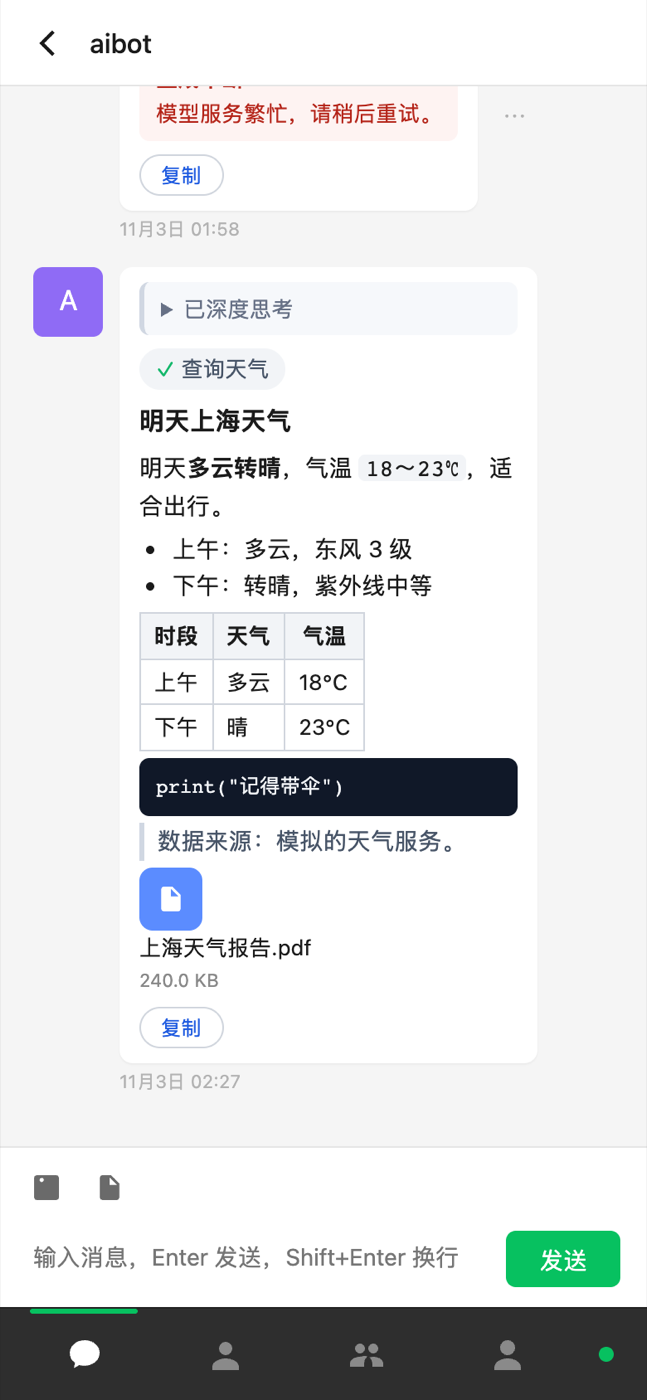
For a complete first program, see the Quickstart. The screenshot below is the Go demo in the repository: a Go process signs in to IM and an embedded web page shows the conversations and messages.
| Item | Details |
|---|---|
| Current version | v1.0.2, MIT license (Versions and support) |
| Install | go get github.com/DeepRespond-AI/deeprespond-im-go-sdk@v1.0.2 |
| Requirements | Go 1.26.5 or later; standard library only |
| Source | GitHub |
Client or server SDK?
| You need to | SDK | Identity and real-time channel |
|---|---|---|
| Sign in as a user, send and receive messages, sync conversations | The Go client SDK on this page (package im) | Sign in with a user ticket or a development password; receive events over WebSocket |
| Manage app users and groups, issue tickets, receive signed callbacks | The Go server SDK (package drim) | Exchange a Client ID / Client Secret for an App Token; receive callbacks over HTTP |
Each SDK has its own demo, the client demo and the server demo; their configuration isn't interchangeable.
What you can build
Client methods are grouped by feature, matching the docs pages:
| Feature | Main methods (on Client) | Docs |
|---|---|---|
| Users | Me UpdateProfile SetPassword GetUser LookupUsers Sessions RevokeSession | Users, friends and presence |
| Friends and block list | Friends SendFriendRequest AcceptFriendRequest RemoveFriend Blacklist BlockUser | Users, friends and presence |
| Presence | QueryPresence SubscribePresence UnsubscribePresence | Users, friends and presence |
| Groups | CreateGroup Group GroupMembers AddGroupMembers ApplyJoinGroup JoinByLink | Groups |
| Conversations | RecentConversations SingleConversation Read UnreadCount SetConversationPinned SetConversationDraft | Conversations |
| Messages | SendText Send SendMedia SendReply Recall AddReaction Typing MessageLookup | Messages |
| Media | Upload (direct presigned upload), DownloadURLs, Download | Files and images |
| Connection | Connect ConnectWait Disconnect State OnState | Initialization, sign-in and connection |
| Events and sync | OnEvent SyncAll FetchMessages History | Events and sync |
| In-memory store | Store(): Conversations Messages LastMessages Typing | Events and sync |
REST methods work without a connection; events need the connection. When the connection is up, sending prefers it automatically (lower latency) and falls back to REST when it isn't available.
Core concepts
| Concept | Details |
|---|---|
im.Config / im.New | Creates the client; it only validates parameters and makes no network requests. See Initialization, sign-in and connection |
Session | Credentials after sign-in: access token, refresh token, session ID and your own profile; the SDK refreshes tokens automatically |
Target | Where a message goes: im.ToUser("bob") for a user, im.ToGroup("group ID") for a group |
Event | A server event pushed over the connection; subscribe with OnEvent, see Events and sync |
Store | An in-process cache of conversations and messages, kept up to date by sync and events; see Events and sync |
APIError | A business error returned by the server; check the code with im.IsCode(err, im.CodeXxx) |
Scope and limits
- Not included: chat rooms, audio and video calls, standalone RTC channels and offline push are outside the Go SDK's scope; use the Web SDK or Flutter SDK if you need them. Go programs usually stay online, and messages missed while disconnected are filled in by sync on the next connection, so system push isn't needed.
- The cache is in process memory:
Store()is a thread-safe in-memory cache, not a local database. It's empty after a restart and is restored from the server after signing in again and running a full sync (SyncAll). If you need history offline, persist it yourself. - One Client per signed-in user: one connection corresponds to one sign-in. To act as several accounts in one process, create several independent
Clientinstances.
Don't keep server credentials in client programs
The App Token and Client Secret belong only on your own server. Go programs should sign in with a sign-in ticket issued by your server (im.LoginTicket); password sign-in (im.LoginPassword) is only a shortcut for development and testing.
Download and install
The current release is v1.0.2 (MIT license). It needs Go 1.26.5 or later and depends only on the standard library. Install it in your Go project:
go get github.com/DeepRespond-AI/deeprespond-im-go-sdk@v1.0.2The module path is github.com/DeepRespond-AI/deeprespond-im-go-sdk and the package name is im. For a complete example, see the Quickstart.
For the demo or offline source: Download Go client SDK + demo (1.0.2) · SHA256 checksums. Unzip it, enter deeprespond-im-go-sdk-1.0.2 and run go run ./demo.
To upgrade from an early version, remove the local replace, change imports to the public module path above, then run go mod tidy. Changes in each version are in the CHANGELOG on GitHub.
How it relates to the other client SDKs
The Go SDK uses the same client APIs (REST + WebSocket) as the Web and Flutter SDKs, with the same data model and events, but it's a thin wrapper: it contains only REST, the connection, the sync engine and the in-memory store. The UI and local persistence are entirely up to you.
| Web / Flutter SDK | Go SDK | |
|---|---|---|
| Role | A full client: UI, local database, send queue | A thin wrapper: REST + WS + sync engine + in-memory store |
| Storage | A local database: IndexedDB (Web) / SQLite (Flutter) | The in-process Store, restored with SyncAll after a restart |
| Sending | Goes into a local send queue and retries automatically | The call's return is the final result; you decide whether to retry on failure |
| Reading data | Subscribe to lists and get a new snapshot on changes | Read Store directly, or subscribe to events and maintain your own structures |
| UI | Flutter widgets, browser pages | None; suited to bots and server programs |
For your first integration, start with the Quickstart; every client option and the sign-in and connection behavior are in Initialization, sign-in and connection.
Error handling
Business errors from REST and WS are all *im.APIError (Code is machine-readable, Message is human-readable, and RequestID identifies the request for server-side troubleshooting). Check the code with im.IsCode:
if _, err := cli.SendText(ctx, im.ToUser("bob"), "你好", nil); err != nil {
	if im.IsCode(err, im.CodeRateLimited) {
		time.Sleep(time.Second) // 限流,稍后重试
	}
}
Common codes are unauthenticated (not signed in or the token expired), forbidden, permission_denied, not_found, invalid_argument, version_conflict, rate_limited, unavailable and internal. See Error handling for details.
Next steps
- Quickstart: write a minimal program that signs in and sends and receives messages.
- Initialization, sign-in and connection: every option, token persistence, connection state and reconnects.
- Events and sync: the event list, full sync with
SyncAlland readingStore.